How to make a GIF from images
Turn a set of photos or screenshots into an animated GIF, and keep the file small. Here's how to choose the size, timing and colours for a clean result.
A GIF is a stack of images with a delay between each. Making one takes a minute. Making one that's a sensible size takes a little more thought.
GIF maker
Turn a set of images into an animated GIF
Step by step
- Add your images. Two or more, all at a similar shape if you can.
- Put them in order. Drag the handles, or use the arrow buttons.
- Set the timing. The delay is how long each frame shows.
- Choose a size. Start at a longest edge of 480 pixels.
- Make it, then check the result in the preview.
Choosing a delay
| Delay | How it feels |
|---|---|
| 40–100 ms | Fast, smooth motion |
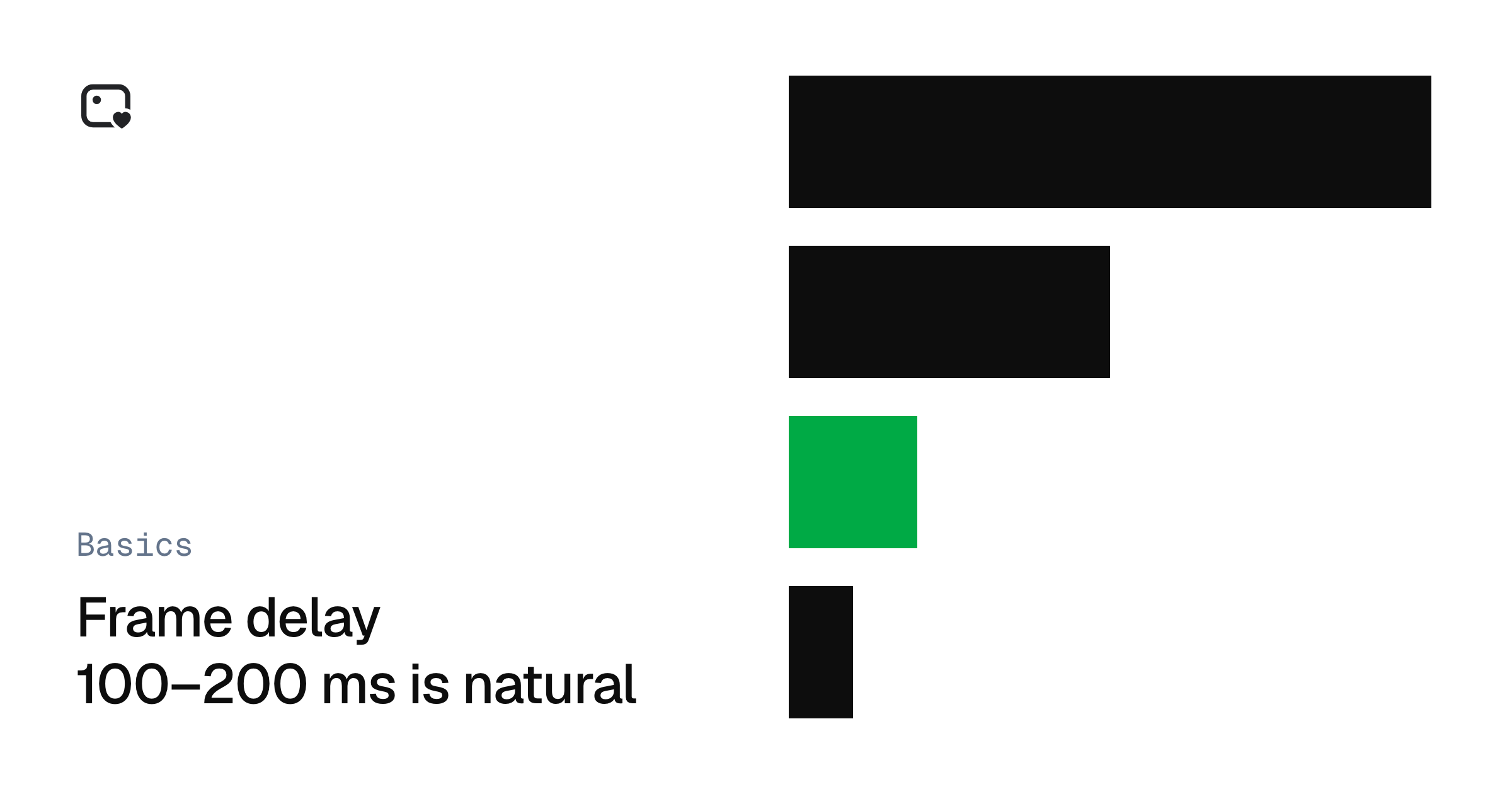
| 100–200 ms | Natural motion for most clips |
| 500 ms | Clear steps, good for a how-to |
| 1000 ms or more | A slideshow |
Browsers treat very short delays as 100 ms, so going below about 20 ms won't make an animation any faster, and may slow it down.
Keeping the file small
GIF dates from 1987, and it compresses poorly by today's standards. In order of how much each usually saves:
- Use fewer pixels. Halving the width and height leaves a quarter of the pixels.
- Use fewer frames. Dropping every second frame nearly halves the size.
- Use fewer colours. Going from 256 to 64 helps, especially on simple graphics.
If you already have a GIF that's too big, you can apply all of these afterwards.
Compress GIF
Make GIFs smaller by cutting colours and frames
When not to use a GIF
If you're adding an animation to your own site, a short MP4 or WebM video is often far smaller at better quality. GIF still earns its place where it just works: in chats, emails and READMEs.
Frequently asked questions
Tools in this post
Last updated