Image placeholders: BlurHash vs ThumbHash vs LQIP
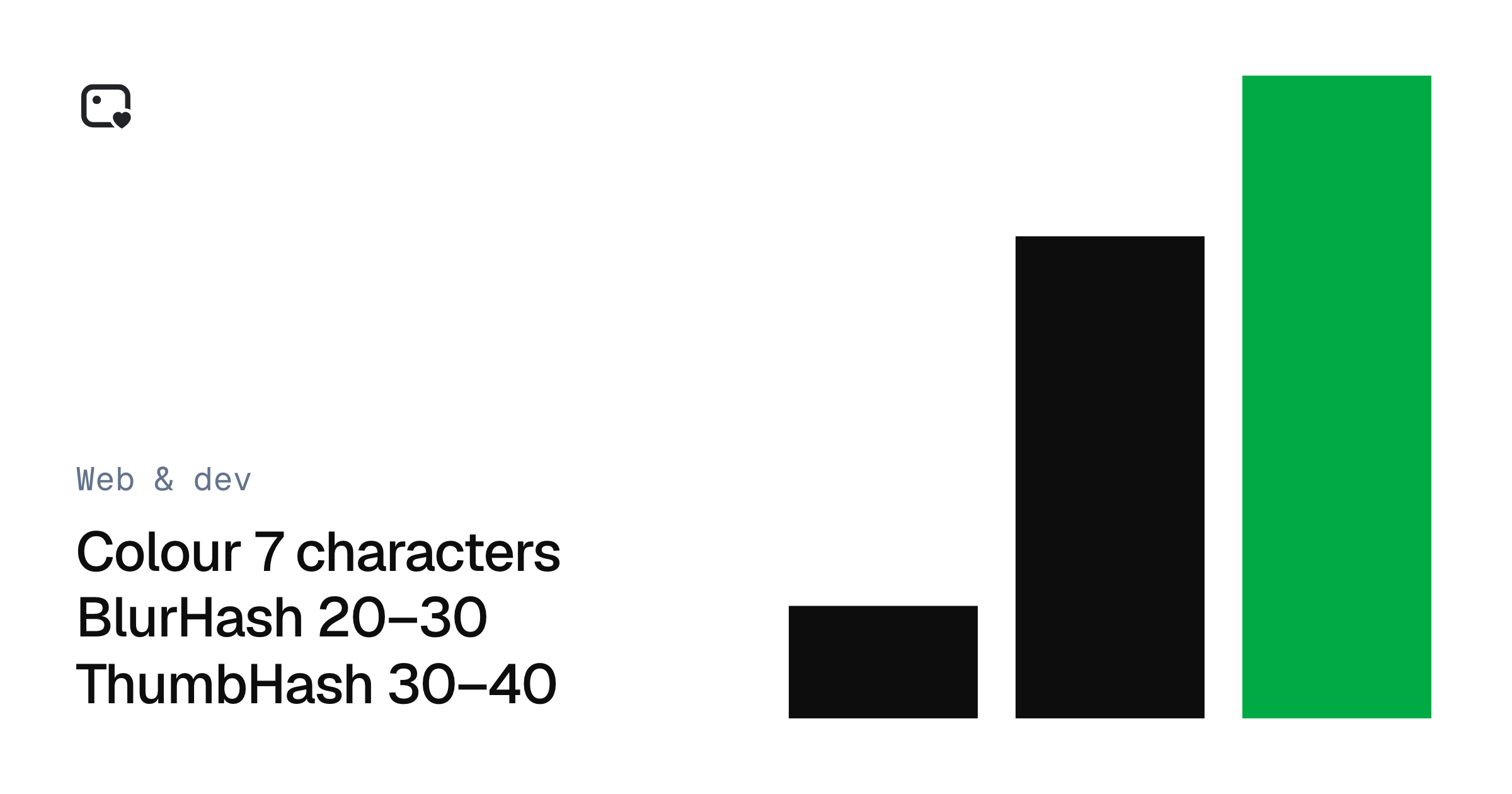
A placeholder stops a page from feeling empty while images load. Here's how BlurHash, ThumbHash, tiny images and solid colours compare, and which to choose.
While a big image loads, a page can show an empty box, or something that hints at what's coming. The hint is a placeholder, and there are four common kinds.
Placeholder generator
Make BlurHash and ThumbHash image placeholders
The options
Dominant colour. One colour, usually the image's average. It's tiny and needs no code, but it's the least informative.
LQIP (low-quality image placeholder). A very small real image, such as 16 pixels wide, inlined as a data URI and scaled up with a blur. Browsers display it with no extra code. It takes more bytes than a hash.
BlurHash. A short text string that describes the image's colours as a blur. You choose how much detail with its component counts. It needs a small decoder in the browser.
ThumbHash. A newer idea along the same lines. It stores a little more image information in a similar size, preserves the aspect ratio, and supports transparency.
How they compare
| Colour | LQIP | BlurHash | ThumbHash | |
|---|---|---|---|---|
| Typical length | 7 characters | Hundreds of characters | 20–30 characters | About 30–40 characters |
| Needs JavaScript | No | No | Yes | Yes |
| Transparency | No | Yes, with WebP | No | Yes |
| Library support | Not needed | Not needed | Wide | Growing |
Sizes vary with the image and your settings, so the tool shows the real numbers for yours.
How to choose
- You want no extra JavaScript: use an LQIP or a solid colour.
- You store placeholders in a database or an API: a hash fits neatly in a short text field.
- Your images have transparency: use ThumbHash or a WebP LQIP.
- You're using Next.js:
placeholder="blur"withblurDataURLtakes an LQIP directly.
The one thing that matters more
Placeholders are about feel. Layout stability comes from elsewhere: give every image its width and height, or an aspect-ratio, so the page doesn't jump when it arrives. Do that first.
Frequently asked questions
Tools in this post
Last updated